
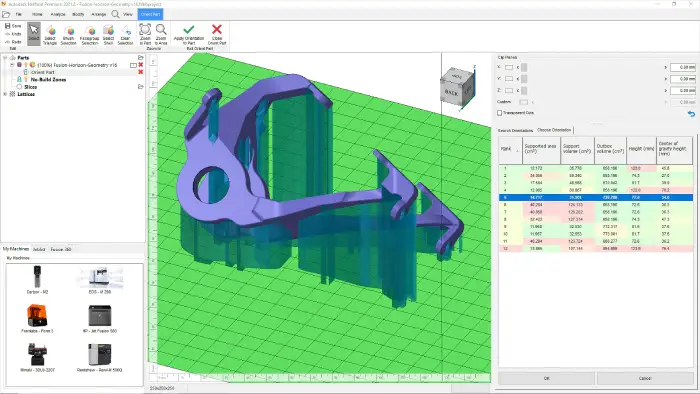
Fusion with Netfabb® software offers a complete toolset for design and implementation for additive manufacturing. It streamlines workflows and automates processes around 3D print preparation. The software also includes access to Fusion, Fusion Team, and additional capabilities through Fusion Additive Extensions.
| Operating System | Microsoft® Windows® 10 64-bit Microsoft Windows 8.1 64-bit Microsoft Windows 7 SP1 64-bit Note: 32-bit Windows, or older Windows platforms, as well as Linux or any OS by Apple, is not supported. |
| CPU |
Intel® Core i5 (2.8+ GHz) |
| Memory |
8GB of RAM |
| Disk Space | Installer plus full installation: 40 GB |
| Graphics |
Recommended: |
| Display Resolution |
Recommended: |
| Pointing Device |
MS-Mouse compliant |
| Network |
Internet connection for web install with Autodesk® Desktop App, Autodesk® collaboration functionality, web downloads, and licensing. |
| Spreadsheet |
Full local install of Microsoft® Excel 2016 or later for workflows that create and edit spreadsheets. Inventor workflows that read or export spreadsheet data do not require Microsoft® Excel. See Inventor Excel Requirements for more information.
Office 365 subscribers must ensure they have a local installation of Microsoft Excel. Windows Excel Starter®, OpenOffice®, and browser-based Office 365 applications are not supported. |
| Browser | Google Chrome™ or equivalent |
| .NET Framework | .NET Framework Version 4.8 or later. Windows Updates enabled for installation. |